

livewall
← All articles
Digital Products14 March 2026·Livewall

How to design navigation for a complex digital product without overwhelming users

Complex products have complex information architectures. The challenge is exposing depth without creating confusion at the surface. Here is the approach that works.

uxdigital-productsweb-apps

Navigation is the first thing users test. Not consciously, but the moment they land on a product they start forming a mental model of how it works and whether they can control it. For complex digital products, platforms with dozens of features, multiple user roles, or deep information structures, that first moment is decisive.

Most navigation problems do not come from a product being too complex. They come from the product's internal structure being too visible to the user. Developers and product owners think in systems. Users think in tasks. When those two things do not align in the navigation, everyone gets stuck.

At Livewall, we design and build web applications and digital products for brands that need productive, returning users. Navigation is not an afterthought in that work. It is the foundation of the experience.


Livewall perspective

Users do not navigate through a system. They navigate toward a goal. When the structure gets in the way, they leave.

Start with behavior, not the sitemap

The most common mistake is building navigation based on the product's own internal logic. Every module gets a slot in the menu. Every section becomes an item. The result is a navigation that perfectly reflects how the system was built, but has little to do with how people actually use it.

What works instead: start with the most common tasks and goals your users have. What are the three things an average user does when they log in? What do they look for first? What features do they use daily, what monthly, and what almost never?

That frequency determines the hierarchy. What people do often needs to be immediately accessible. What they rarely do can sit deeper, but must still be findable through search or clear labeling.

For the Sportvisunie platform, we worked with a community whose members used the platform for knowledge sharing, competition registration, and community interaction. Three very different tasks with very different navigation needs. The structure had to support each path without any one of them dominating the others.

Progressive disclosure: hiding depth until it is relevant

One of the most powerful principles in UX UI design for complex products is progressive disclosure. You show users only what they need at a given moment, revealing deeper layers as context demands.

In practice this means: a primary navigation with no more than five to seven items, each covering a clear user intent. Secondary navigation that only appears once a user enters a section. Contextual actions that are only visible when relevant to the current task.

This is not about hiding information. It is about choosing the right moment to show it. A user seeing a platform for the first time needs something different from a user six months into daily use. Navigation that serves both requires smart defaults combined with the ability to adapt.

For the AvroTros Eurovision Voting App, this principle was critical. New users needed a direct path to the core of the product: vote, see scores. Returning users were looking for their friend group, their stats, their quiz history. Two distinct paths, one navigation structure, no confusion.

AvroTros Eurovision Voting App navigation

AvroTros Eurovision Voting App: two distinct user paths, one clear navigation structure

Labels that users understand, not labels that you understand

Navigation labels are a common trap. Internal terminology creeps in. Abbreviations that everyone on the product team knows but that no one outside the company recognises. Or worse: generic labels like "Overview", "Management" or "Section A" that say nothing about what is actually behind them.

Good UX UI design starts with the language of the user. That sounds simple, but it requires real research. What do users call the feature you internally refer to as "the reporting module"? What verbs do they use when describing what they want to do?

At Livewall, we always test labels with real users during the design phase. Not through large surveys, but through targeted card-sorting sessions and navigation tests with five to eight participants. That quickly reveals which labels feel intuitive and which create confusion.

A practical tool: for every navigation item, write out the sentence "I go here to..." If you cannot finish that sentence with something specific and concrete, the label is probably too vague.

5–7items in an effective primary navigation
higher task success when navigation is built around user tasks
68%of users abandon a product after one failed navigation attempt

Mobile first means prioritising, not shrinking

For complex products that are also used on mobile, the temptation is to take the desktop navigation and compress it behind a hamburger menu. That rarely works.

Mobile first means deciding which functions are genuinely needed on mobile, then building navigation around those. That is a different exercise from compressing an existing desktop structure. Sometimes you discover that features which make logical sense together on desktop actually split into two separate flows on mobile.

A bottom navigation bar with four to five labelled icons is typically more effective on mobile than a slide-out menu, especially for products with daily use. The most common actions belong there, not the most complete representation of the system.

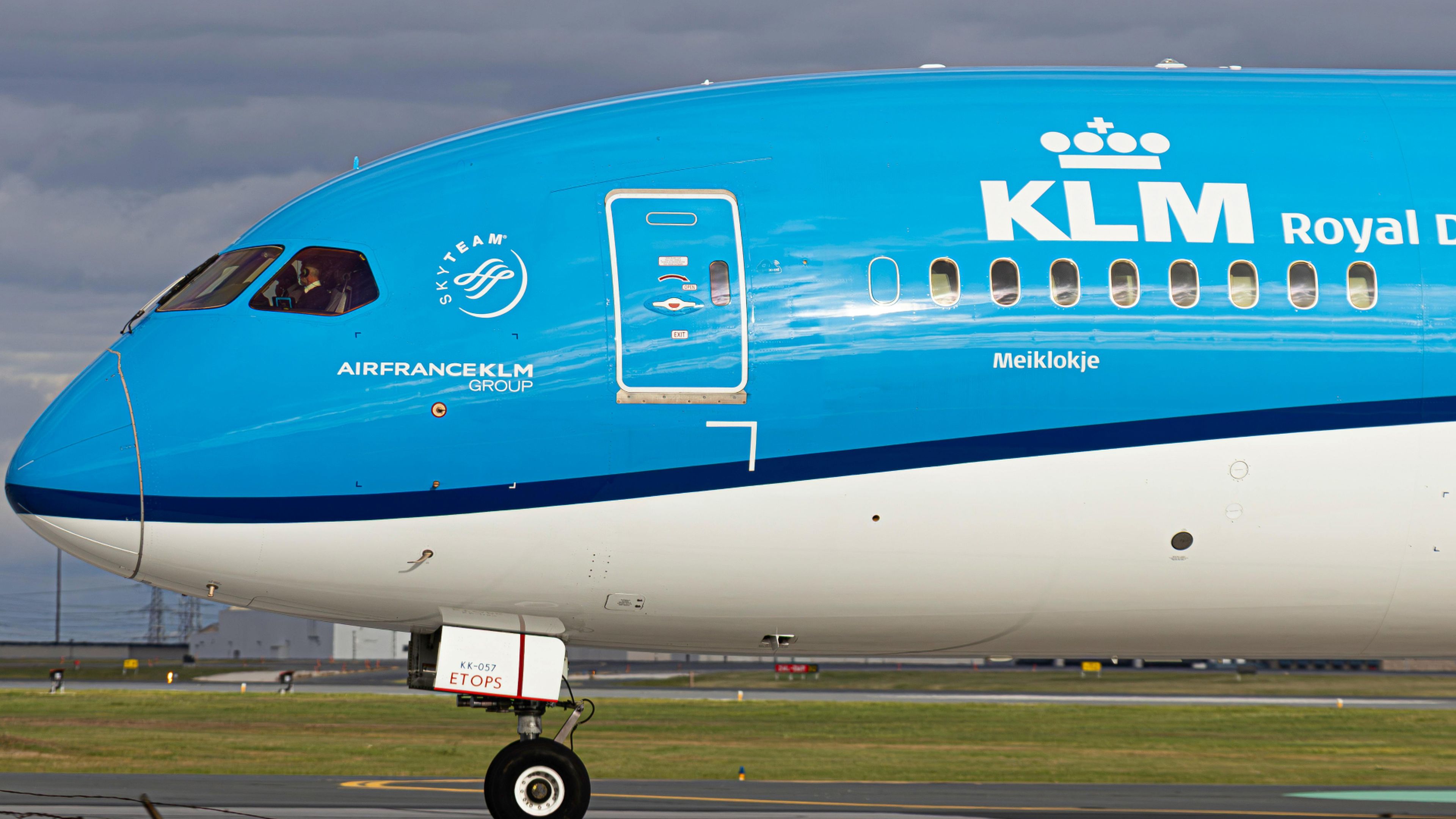
For the KLM Scalable Growth Case, we worked on a system that needed to scale across multiple markets and channels. Navigational consistency across platforms was a baseline requirement: users starting a flow on desktop and continuing on mobile should not feel like they have switched to a different product.

Search as a safety net, not a substitute

In complex products, search is essential. But it is not a substitute for good navigation. Search only works when users already know what they are looking for. For discovery, for tasks they are doing for the first time, or for features they did not know existed, search fails structurally.

Good navigation and good search reinforce each other. Navigation handles the known paths. Search handles the exceptions and the deeper specifics. Together they cover the full range of user intent.

One practical detail that makes a real difference: search results should surface navigation context, not just the result. Not just "your result is here" but also "this lives under Settings > User Management > Permissions". Users learn the product structure while they use it.

At Livewall, digital strategy and navigation design are always part of the same process. Architecture decisions shape what is possible in navigation before a single interface element is drawn.

Navigation is never finished

The biggest misconception about navigation is that it is a one-time design problem. Navigation evolves alongside the product. New features demand structural changes. Usage patterns shift. What made sense in version one may create friction in version three.

That is why at Livewall we always build a measurement strategy into navigation design. Which paths do users take? Where do they stop? Where do they click twice before finding the right item? Heatmaps, session recordings, and navigation analytics give a continuous read on how the structure is performing in practice.

It makes navigation iteration data-driven rather than opinion-driven. That distinction matters, especially in complex products where every structural change affects dozens of features at once.

Livewall

A complex digital product that users actually understand

At Livewall we design digital products where navigation and structure are central from day one, not bolted on at the end. From user research to live product.

Get in touch with our team

What we do

Livewall builds brand experiences that people actually remember — interactive campaigns, loyalty platforms, digital products, and employer branding for ambitious brands.

Our work

We've worked with HEMA, Stabilo, Wehkamp, Efteling, 9292 and many others. Every project starts with the same question: what would make someone actually want to do this?

Talk to us

Working on something similar? We'd love to hear about it.

Contact Livewall →